Last year I opened a client’s website, one that had cost a lot and looked stunning, and right-clicked “View page source.” The page was almost empty. There was a blank container and a pile of script files. Every word of content appeared only after the browser ran JavaScript.
Google can usually cope with that. Many AI tools can’t.
I work as a freelance digital marketer in Trivandrum, and I also build full-stack web apps. That mix has shown me that many “marketing problems” are really code problems.
What AI tools actually see
When an AI system reads your site, it often fetches the raw HTML and moves on. Many of these crawlers don’t run JavaScript the way your browser does. If your text, prices and services only appear after scripts load, a simple crawler may see nothing.
You can test this in 30 seconds. Open your homepage, right-click, choose “View page source” and search for a sentence from your page. If you can’t find it, a lot of automated readers can’t either.
Why this matters for local businesses
Your customers are asking AI tools questions like “which clinic offers X” or “where can I book Y.” An AI can only recommend what it can read and understand. A beautiful site it can’t read earns you nothing in those answers.
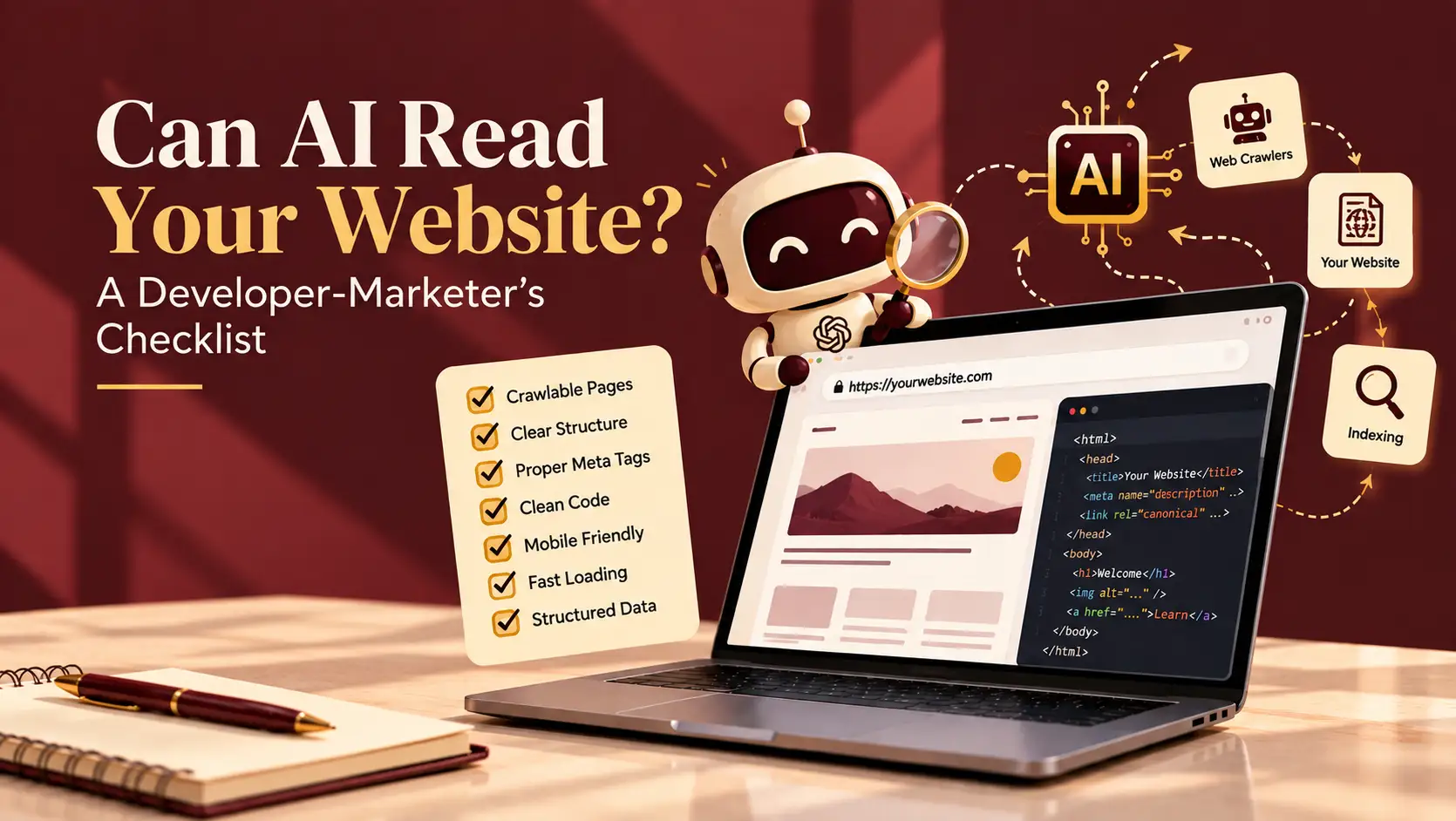
Six fixes that make your site readable
1. Put your key content in the HTML itself.
If your site is built with React or a similar framework, use server-side rendering or static generation, for example with Next.js. For WordPress, make sure your main text is real text on the page and not buried in scripts.
2. Don’t lock information inside images or PDFs.
Prices, opening hours and service lists often sit in a banner image or a downloadable brochure. Put them in plain page text too.
3. Use a clear heading structure.
One H1, then logical H2s and H3s. Headings tell both people and machines what each section is about.
4. Add structured data.
JSON-LD markup for your business details and FAQs removes the guesswork. It states your name, address, services and opening hours in a format machines understand.
5. Check your robots.txt and security settings.
Some security plugins and CDN settings block unknown bots by default. I’ve seen businesses shut out crawlers by accident. Open yourwebsite.com/robots.txt and make sure you haven’t blocked what you want to be found.
6. Keep pages fast and clean.
Heavy sliders, autoplay videos and stacks of plugins slow pages and bury content. Lean pages get read more reliably.
A scenario to picture
Imagine a boutique hotel with a gorgeous site where the room rates sit inside an image slider, and the booking details load by script only. A guest asks an AI tool for options and the hotel gets skipped. It isn’t the hotel’s fault, and the fix takes a few hours: plain-text rates, a short FAQ and one block of schema markup.
Your 15-minute check
- View your page source and search for your main headline and services.
- Open your robots.txt and look for blocked bots.
- Test your homepage in Google’s Rich Results Test to see whether structured data is detected.
Final thought
Great content and great code have to work together. If you’d like someone who understands both the marketing and the build, I’m a freelance digital marketer in Trivandrum and I’m happy to review your site. [Get in touch →]